
Membership Renewal
Complete your annual membership renewal by paying the fee, uploading proof, and submitting your application.
Select Your Organisation
Search and select your registered Membership ID or Industry Name
Member Found
- Member ID
- Contact Person
- Email Address
- Phone Number
- Address
Upload Transaction Receipts
Clear screenshots of both your renewal payment and electricity bill
Drag & drop or browse files
Supports JPG, PNG (Max 5 MB)
Drag & drop or browse files
Supports JPG, PNG (Max 5 MB)
Scan & Pay
Use eSewa, Khalti, Fonepay, or any banking app
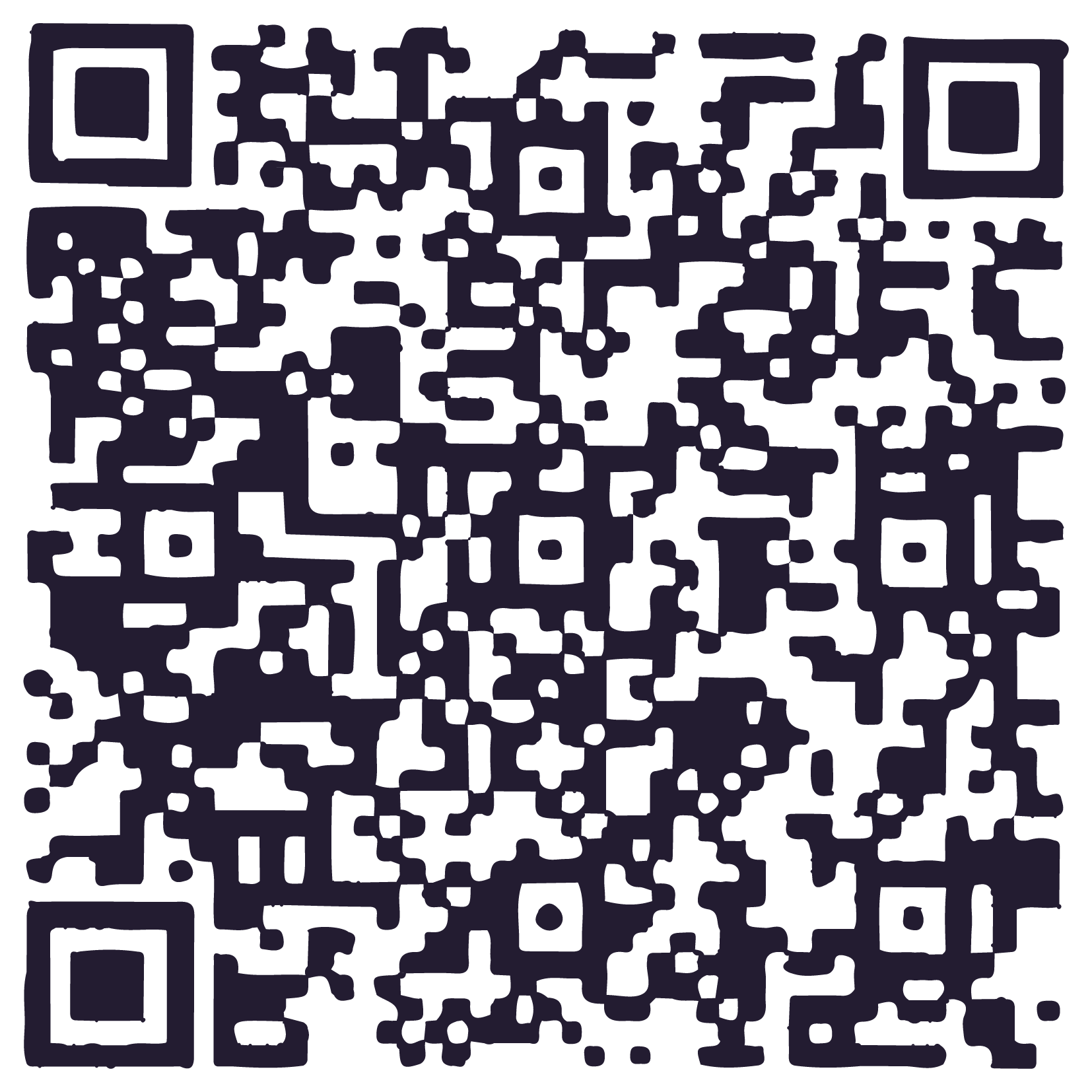
Fonepay Merchant Scan
- Bank
- NMB BANK
- Account Name
- UDHYOG SANGATHAN MORANG
- Account No.
- 0080008713700018
How to Renew
- 1 Scan the QR code and transfer the membership renewal amount using your preferred app.
- 2 Take a screenshot of the successful transaction receipt.
- 3 Upload your payment receipt screenshot in the form.
- 4 Upload your latest industry electricity bill payment screenshot.
- 5 Select your industry name and click "Submit Renewal".